Most cameras today have the option of shooting pictures in RAW format. RAW format is equivalent to a digital negative, a direct copy of the image captured at the given moment. Compare this to the JPEG where the camera’s internal processor tweaks and renders the image for you and saving the doctored file to your memory card. JPEG is excellent for its small space requirements, decent picture quality and ready to share nature for social networks and e-mails. For enthusiasts looking to preserve the most image quality and have the most flexibility to tweak their image, RAW is the best format. As a digital negative, RAW allows you endless tweaking, exceptional latitude in pushing the image to its limits and best of all, this is all accomplished in a non-destructive manner.
Here’s my primary reasons for shooting RAW;
- Non-Destructive Editing – Photographer has complete control over the “development” of the image much like the film days. This allows endless processing, tweaking and changes all without affecting your ability to return the image to the original. All without any quality penalties, loss of the original image and most importantly, the ability to re-edit with different skill sets down the road should you choose to revisit the images. When you make adjustments to a RAW file, you’re not actually doing anything to the original data. What you’re doing is creating a set of instructions for how the JPEG or TIFF (another file format) version should be saved. You can always reset your adjustments, and start over again. JPEG files lose quality every time you open them, make adjustments, and save again. True story. It’s what is known as a “lossy” file format. So if you’re making edits to JPEGs you always have to be duplicating the image and saving out a new version if you don’t want to lose file quality.
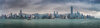
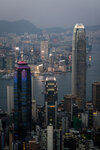
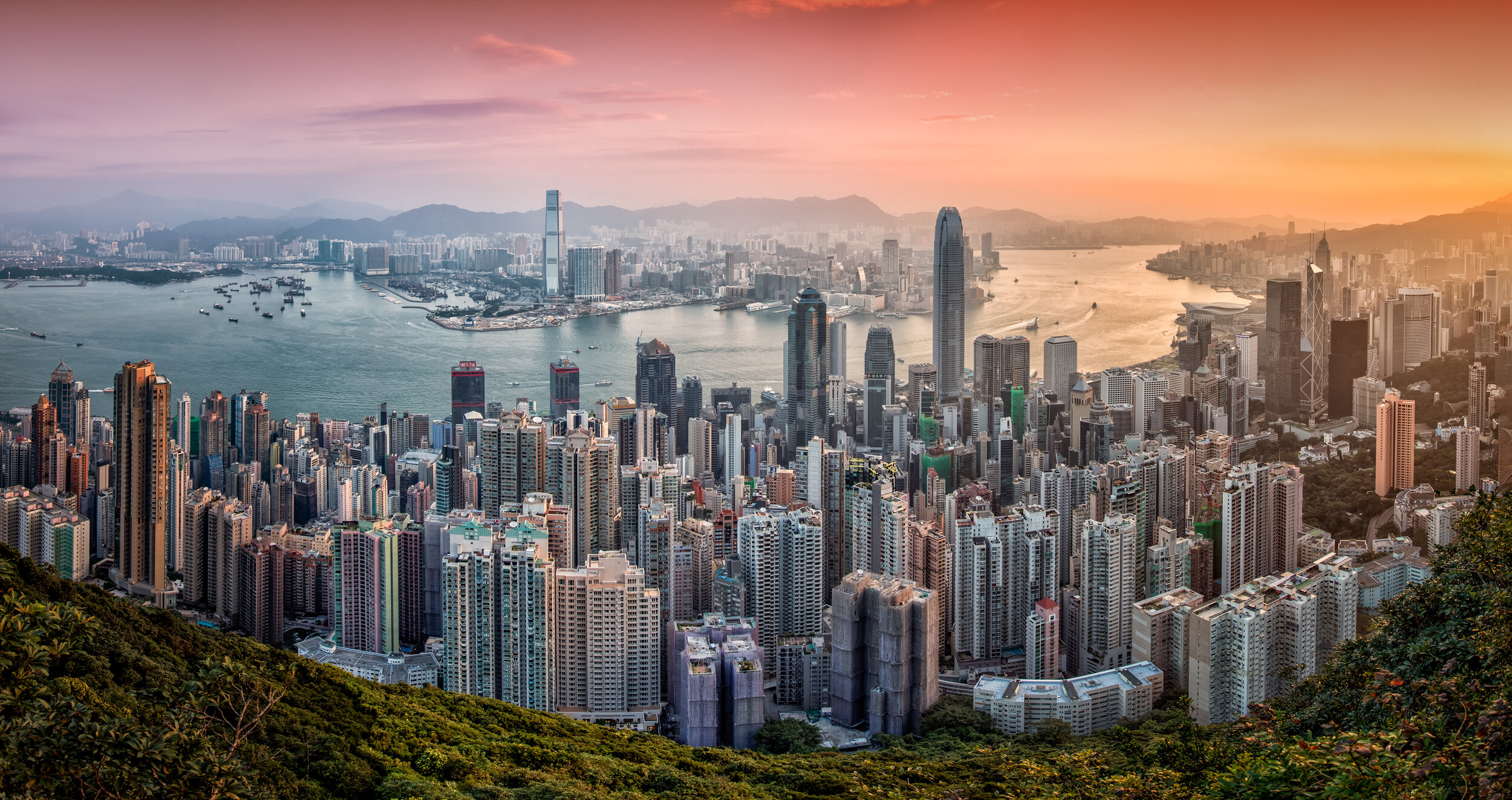
- Flexible Image Parameters – since the camera is not making predetermined processing selections for you, everything from white balance, contrast, saturation and image noise are all at your disposal for tweaking and finding the balance which best reflects the image in your mind. This extensive flexibility gives you the highest level of image quality available. With the image below, RAW has allowed me to retain details in the dark forested areas in the bottom of the frame and bring them back. The RAW data has also nicely preserved the detail of the downtown buildings which still show excellent levels of sharpness when they are lightened. These changes would be far more limited had I been working with JPEGs instead.
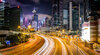
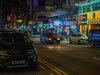
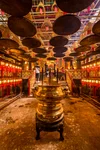
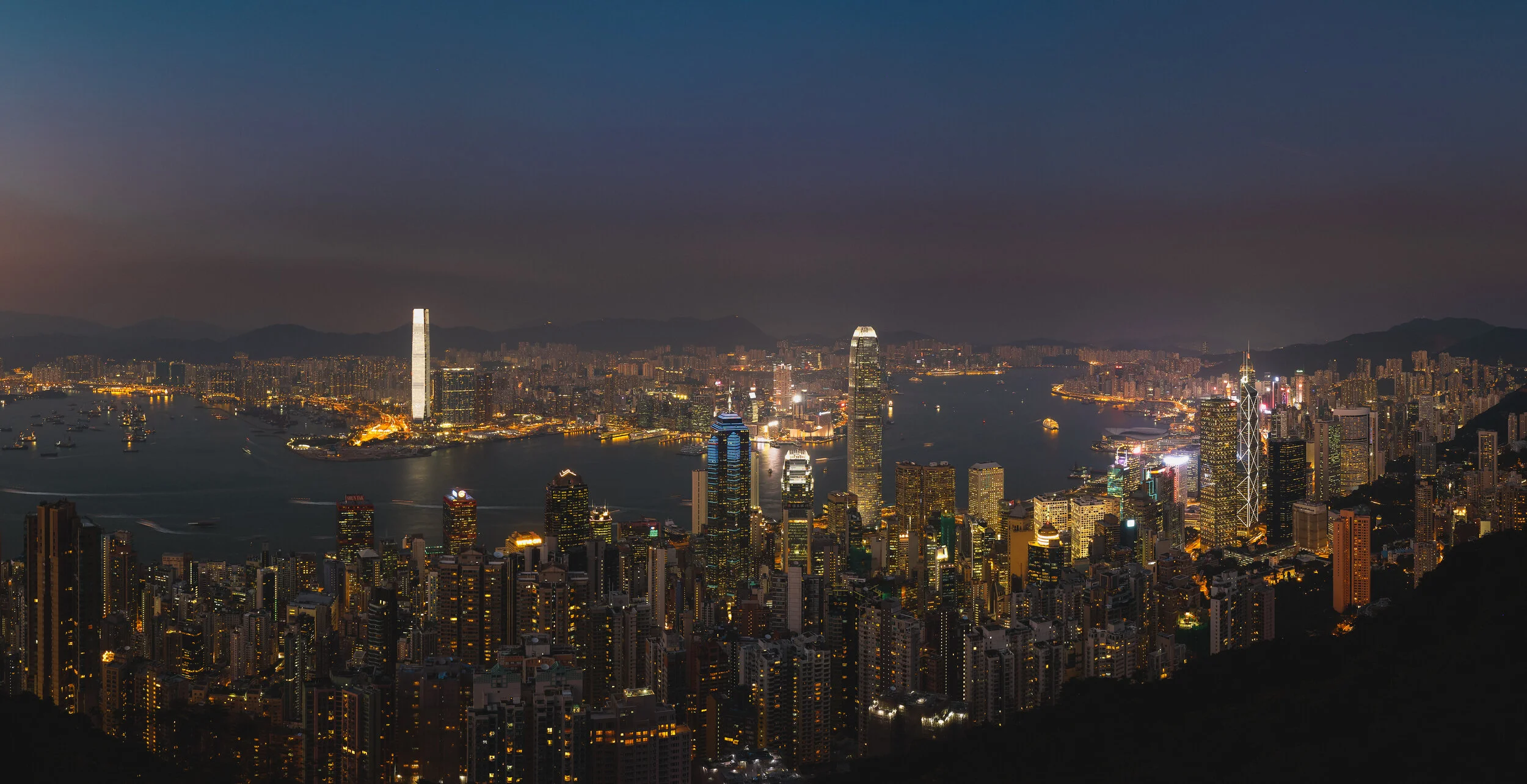
- Greater levels of brightness and shadow are recorded – Levels of brightness are the number of steps from black to white in an image. The more you have, the smoother the transitions of tones. JPEG records 256 levels of brightness, and RAW records between 4,096 to 16,384 levels! This is described with the term “bit”. JPEG captures in 8bit, and RAW is either 12bit or 14bit. Those additional steps of brightness let you make more adjustments (expoosure, blacks, fill light, recovery, contrast, brightness) to your image without a significant reduction of quality, because there’s more levels to work with! It’s also easier to avoid or correct posterization in your images when you shoot in RAW. Posterization is the banding that you often see in bright skies. The images below highlight the ability of the RAW file to retain details in both the dark and light areas of the image which can be recovered and tweaked to produce the final vivid image.
Example 1 - Recovered detail in foreground forest, restored detail in sky, retained sharpness and resolution in downtown.
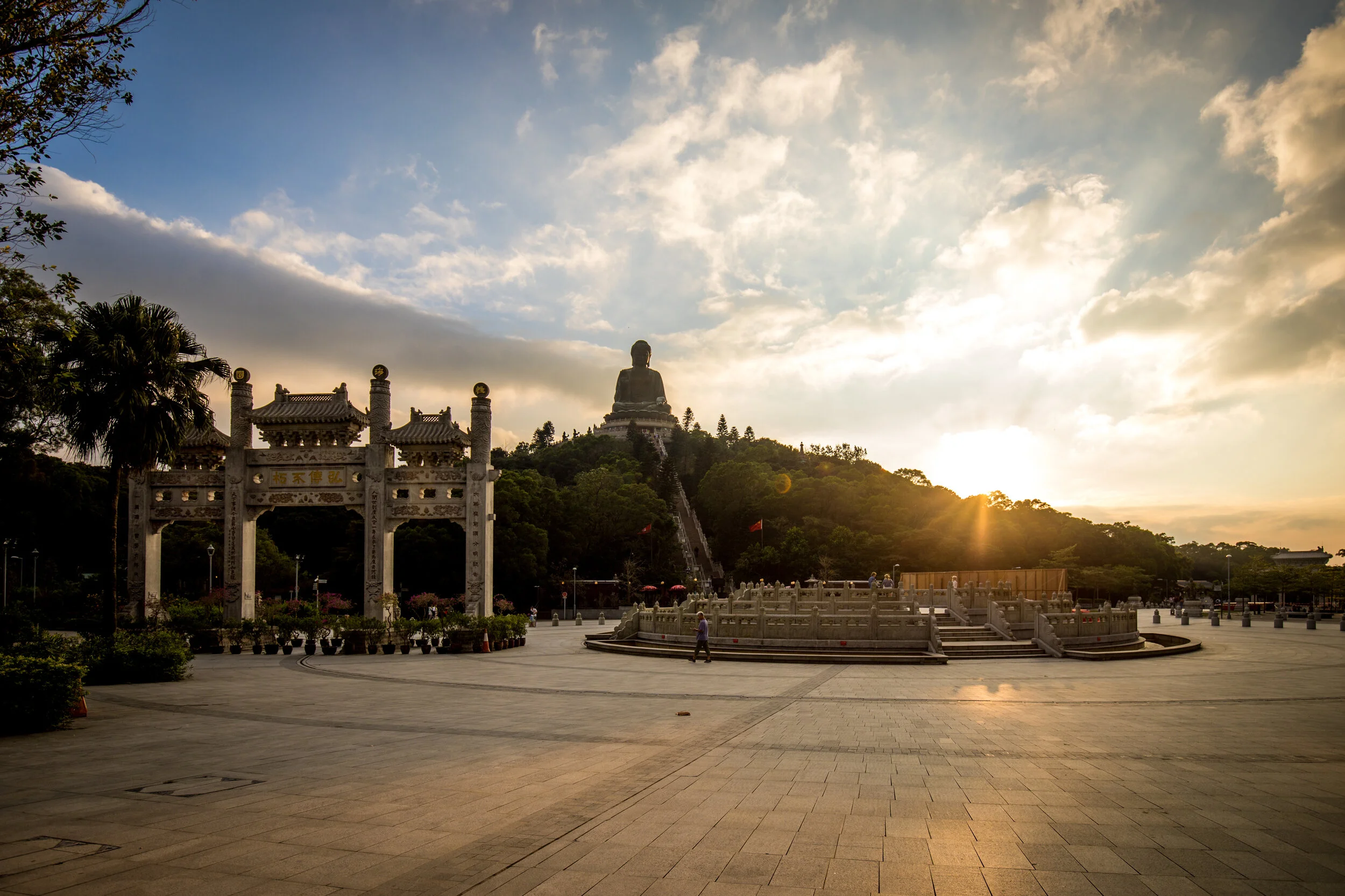
Example 2 - Recovered detail in clouds, balanced exposure for foreground and background details, corrected color cast for foreground.
RAW files have been my main format for a number of years. The flexibility of the image, scalability of processing (based on your growing skill and return visits to old images) and the ability to start from ground zero without losing the original digital negative far outweigh the main benefit of JPEG which is small file size. At the end of the day, I might pack an extra memory card or two, but that’s a small price to pay for the ability to maximize my captures especially if they happen to be once-in-a-lifetime opportunities. Besides, at less than $50 for 16 or 32GB SD Cards, memory is cheap and isn’t really an excuse not to archive your images in the best possible way
fym photo recommends Adobe Lightroom for your RAW processing and camera workflow needs.